The first launch, and only the first
VinylCat is signed with the project's own certificate — not an Apple Developer ID, and not notarised. macOS will refuse to open it the first time. This is expected. The download is not broken and there is nothing wrong with the app. It is Gatekeeper doing its job on an unnotarised app. Follow the six steps and you are in. You do it once ever: from then on the app installs its own updates, and those never meet Gatekeeper.
Right-click → Open does not get round this on macOS 15 or later. That old workaround is gone. System Settings is the only way in.
Getting past Gatekeeper
- Unzip it and drag VinylCat to Applications
Double-click VinylCat.zip, then drag the app it leaves behind into your Applications folder.
- Double-click VinylCat. Click Done.
macOS says "Apple could not verify VinylCat is free of malware", with only a Done button. Click it.
Nothing has gone wrong. This step is required: it is what tells macOS that an app was blocked, which puts the button you need into System Settings.
- Open System Settings → Privacy & Security
Apple menu → System Settings, then Privacy & Security in the sidebar.
- Scroll all the way down to Security. Click Open Anyway.
You will see "VinylCat was blocked to protect your Mac." Click Open Anyway next to it.
That line only appears after step 2. If it isn't there, go back and double-click the app again.
- Authenticate, then Open Anyway again
Touch ID or your password if asked, then click Open Anyway once more in the confirmation dialog.
- VinylCat opens. You only do this once.
Every launch after this is a normal double-click.
Skipping all of the above would need a paid Apple Developer ID, $99 a year. VinylCat is free, so that is not happening. The six steps are the way in — and they are a one-off, not a thing you repeat per version.
First-run setup, about five minutes
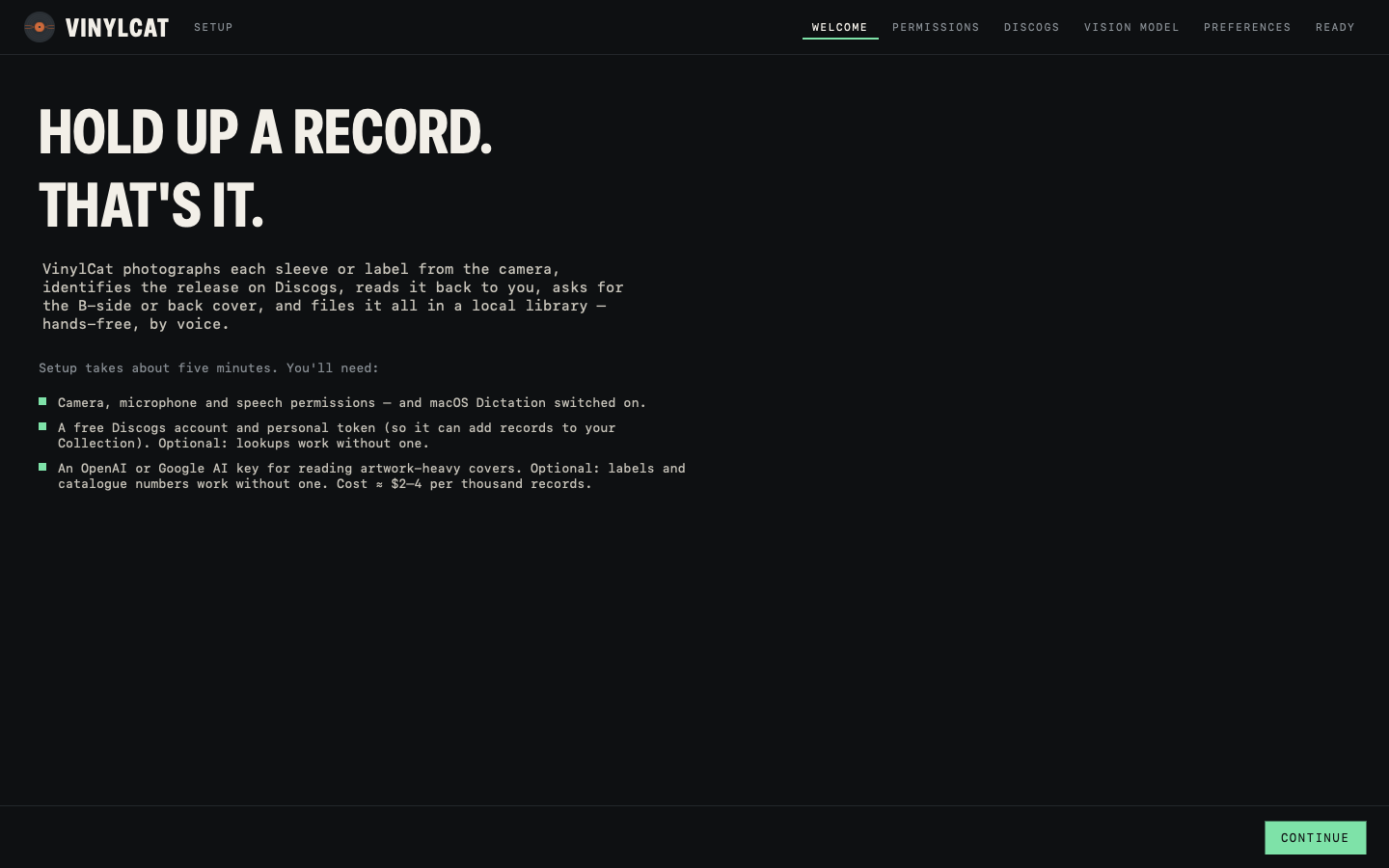
The app opens with a wizard: Welcome → Permissions → Discogs → Vision model → Preferences → Ready. It tests each piece as you go, and you can run it again any time from Settings.
- Permissions
The wizard asks for Camera, Microphone and Speech Recognition and checks that Dictation is switched on. Click Allow on each, once.
- Your Discogs token
Free, from discogs.com/settings/developers. Paste it in and test it. Without one the app still looks records up, at 25 a minute instead of 60, but cannot add them to your Collection.
Adding matches to your Discogs Collection is off until you switch it on, here or later in Settings. Until you do, VinylCat neither writes to nor reads from your Collection.
- Your Claude, OpenAI or Google key
Optional. Pick a reader and paste that provider's key; the account needs billing set up. Identifying a record runs from about a twentieth of a cent on Claude Haiku to two cents on Claude Opus, the default rung — the accuracy between them differs by three photos in a hundred, so start cheap. Without a key the app runs on local OCR and catalogue numbers only: good on labels, worse on artwork-heavy covers.
If Anthropic's
antCLI is signed in on this Mac, the Claude reader uses a short-lived token from it and stores no key at all. The wizard says which it found.
It does this part itself
Every push to the project's main branch is built and published automatically, and the app checks at launch and every four hours. A newer build is installed when you are between records — never mid-scan or mid-import — and takes a second or two: it quits, swaps itself and reopens. Your catalogue, photos and keys are untouched, and because every build carries the same certificate macOS treats it as the same app, so Camera, Microphone and Speech permissions carry over. There is no Open Anyway on an update, only on that very first install.
Left alone it is silent. The amber UPDATE chip appears only when a build is waiting that it has not installed — a scan is open, or you turned off installing on its own — and INSTALL NOW does it. Settings → UPDATES has both switches, and Get preview builds opts into builds from open pull requests if you want changes early; switch it off and BACK TO MAIN RELEASE puts the main build back.
One folder, yours
VinylCat.sqlite   the catalogue, evidence and verdicts
Photos/           one JPEG per record, plus any extra shots
keys.json         your Discogs token and model key, 0600 (empty if the ant CLI supplies a token)
CSV exports and the feedback file go wherever you point them from the Library. Nothing is sent anywhere except the Discogs and model calls you set up, and one anonymous tick to vinyl-cat.com each time the app opens (the word “launch” and the version number, no IP kept, no identifier) so the developer can see whether anyone uses it. Settings → ABOUT → Count launches switches it off.
Settings → About → REPORT A PROBLEM, or REPORT on any record in the Library. Write a line, optionally tick the last 150 log lines and that scan's evidence, and PREVIEW shows the exact text before it goes. It is filed as an issue for the developer; anything key-shaped is masked first, and an email address is yours to add or leave out. If the site is unreachable it offers to save the report to your Desktop instead.